Huawei’s New AI-Pose Recommendation Guides You Into the Right Pose for Every Shot
Everyone has paused in front of a smartphone camera, almost reflexively, and wondered how to position their hands or feet. Suddenly, the shoulders seem rigid, the grin feels forced, and the end product is just another forgettable photo in your phone’s camera roll. Huawei developed a handy tool for the Pura 90 phone series, set for release on April 20, that comes in just at that moment and not only nudges you in the right direction, but also provides suggestions on how to stand, tilt, or turn for a nicer shot.
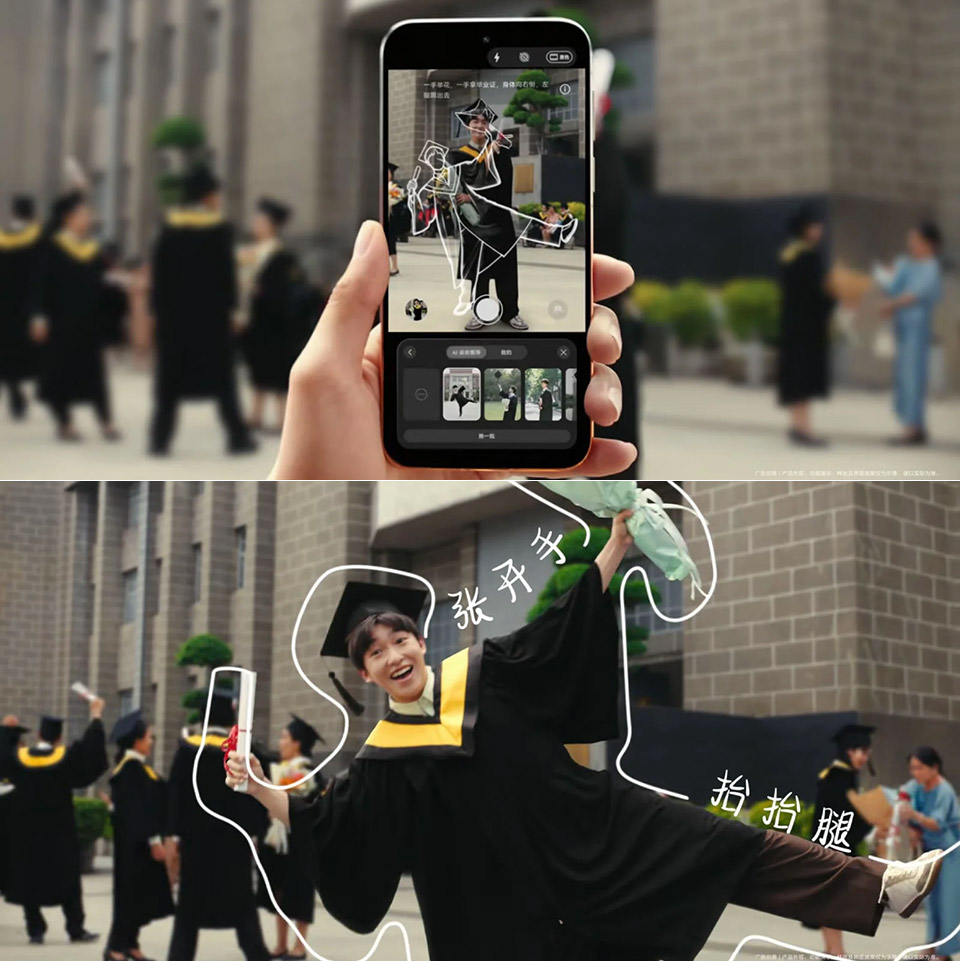
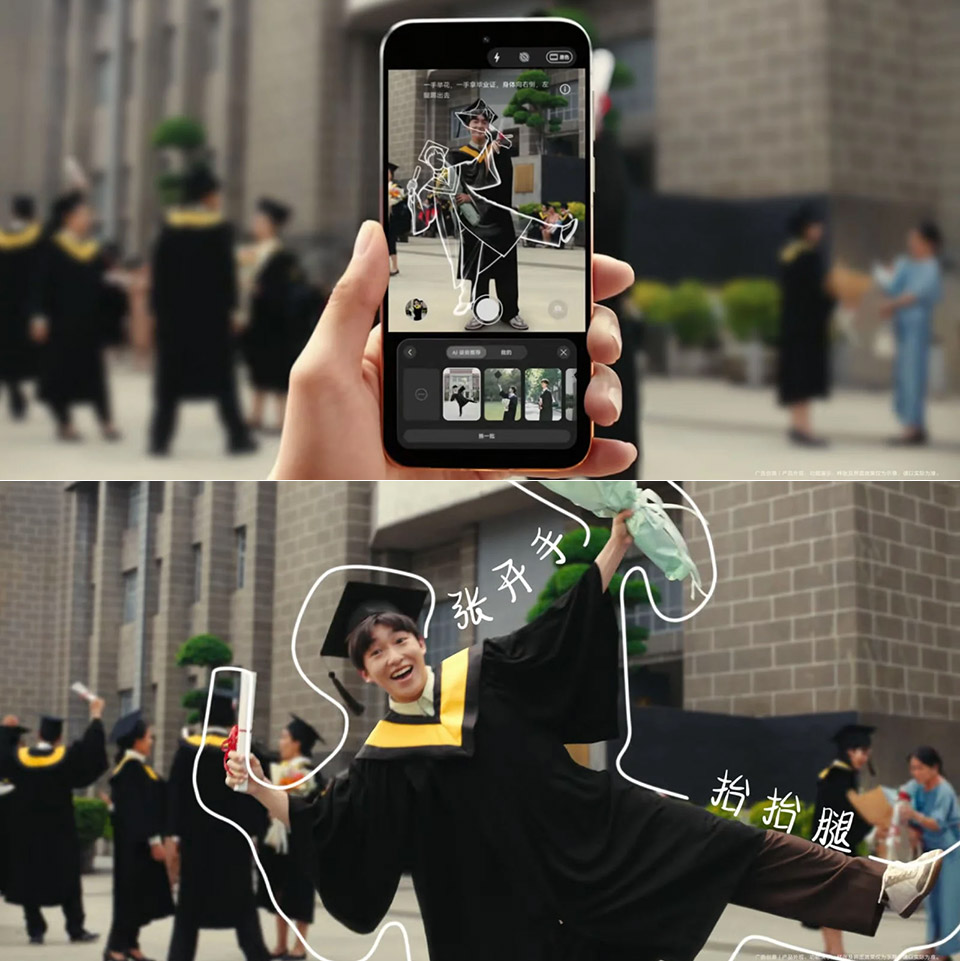
When you open the camera app on one of these phones, your eyes are drawn to a new button labeled ‘AI Pose’ immediately below the shutter. Tap on it, and a new small button emerges, which, with a single tap, activates the entire system. The phone then takes a brief look at what’s in the viewfinder, and a simple outline begins to draw itself right over you. It’s almost as if a ghost of yourself is directing you what to do with your arms, bend your head, or change your posture to achieve a better shot. All you have to do is align with the guidance and press the shutter. The entire process takes around two seconds at most. The same principle applies to snapping selfies with the front camera and shooting portraits with the rear camera.
Sale

Samsung Galaxy S26 Ultra, Unlocked Android Smartphone, 512GB, Privacy Display, Galaxy AI, AI Camera…
- PRIVACY DISPLAY: Automatically hide your screen from those beside you. The built-in privacy display can be preset¹ to turn on when receiving…
- TYPE IT IN. TRANSFORM IT FAST: Enhance any shot in seconds on your smartphone by using Photo Assist² with Galaxy AI.³ Add objects, restore details…
- NIGHTS, CAPTURED CLEARLY: From gigs to city lights, record and capture moments after dark with clarity using Nightography so your photos and videos…
The system is also rather simple, with no menus to navigate after you initially switch it on. The outline appears and disappears as needed, and the instructions are brief and to the point, allowing for speedy reading. When people use the function in the small video, they appear to know what they’re doing, which is important. It all feels more natural than simply standing in front with your hands in your pockets, staring straight ahead, and taking a picture. The end result is always a more bright photo than the default, and surprisingly, you don’t have to be a photographer to use it.
[Source]
Huawei’s New AI-Pose Recommendation Guides You Into the Right Pose for Every Shot
#Huaweis #AIPose #Recommendation #Guides #Pose #Shot