ASUS ZenScreen Color ePaper (MP13UC) Gives Portable Monitors a Paper-like Option that Actually Keeps up with Scrolling and Video
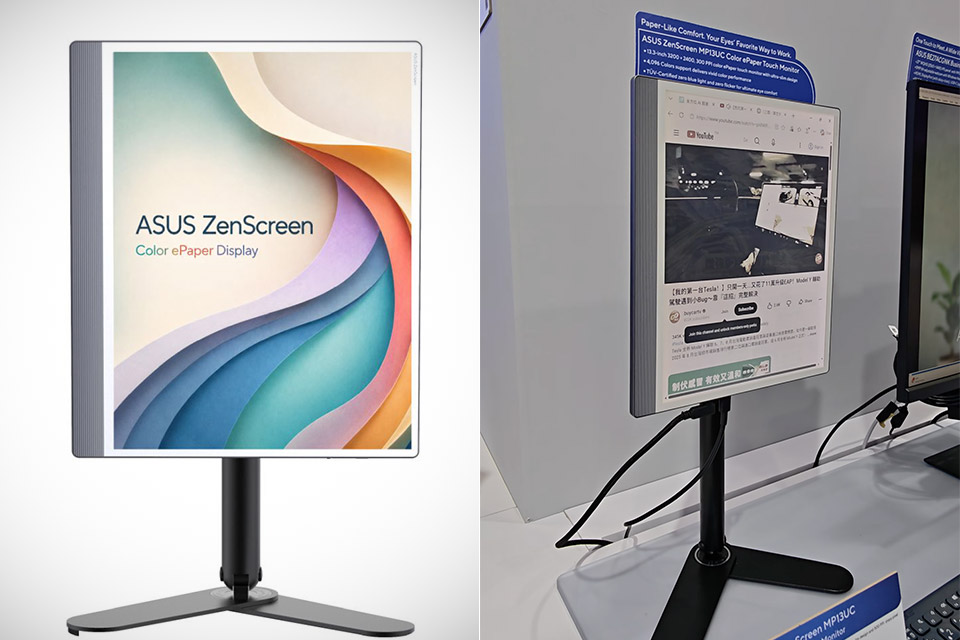
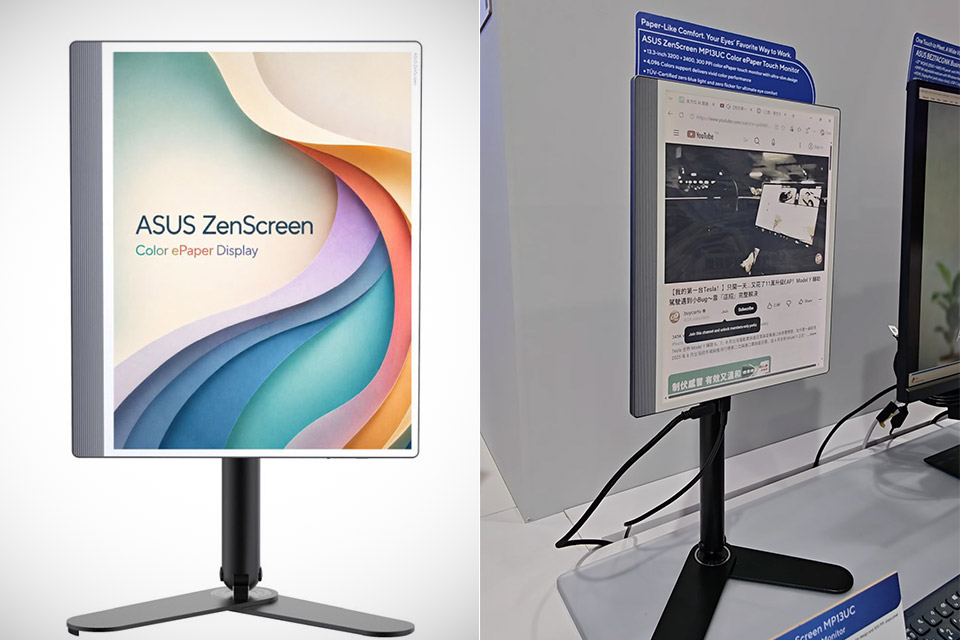
ASUS introduced a portable monitor that leans on e-paper for its display during this year’s Computex show. The ZenScreen Color ePaper MP13UC stands out in the company’s lineup of creative portable screens by offering a different kind of viewing experience aimed at long reading sessions and document work.
The unit weighs 538 grams, making it light enough to fit into a bag without adding too much bulk, which is really useful if you’re on the go. Not only is it small, but it also consumes little power, which is great because it allows you to leave it on display for an extended period of time, even if the power line is off. This enables a wide range of applications, such as digital photo frames and static signage that does not require constant power.
With a resolution of 3200 by 2400 pixels stretched across a 13.3-inch panel for a lovely 300 pixels per inch, it’s evident where the emphasis has been placed, making this e-paper display appear to be a great delight to work with, especially for papers or text-heavy stuff in a nice 4-to-3 aspect ratio. ASUS developed ASUS Ghosting-Free, a technology for eliminating ghosting, the annoying smearing phenomenon that frequently appears on e-paper screens, in order to keep text legible.
On the plus side, you have nearly four thousand colors on the screen, which should make charts, diagrams, and lighter graphics much simpler to see. Although the tones will lack the zing of properly backlit displays, the overall effect is still pretty solid, and with a 35 hertz refresh rate, which is significantly higher than many of the color e-paper options on the market, everything feels a little smoother, especially when scrolling through pages or even watching video, which is a nice touch.
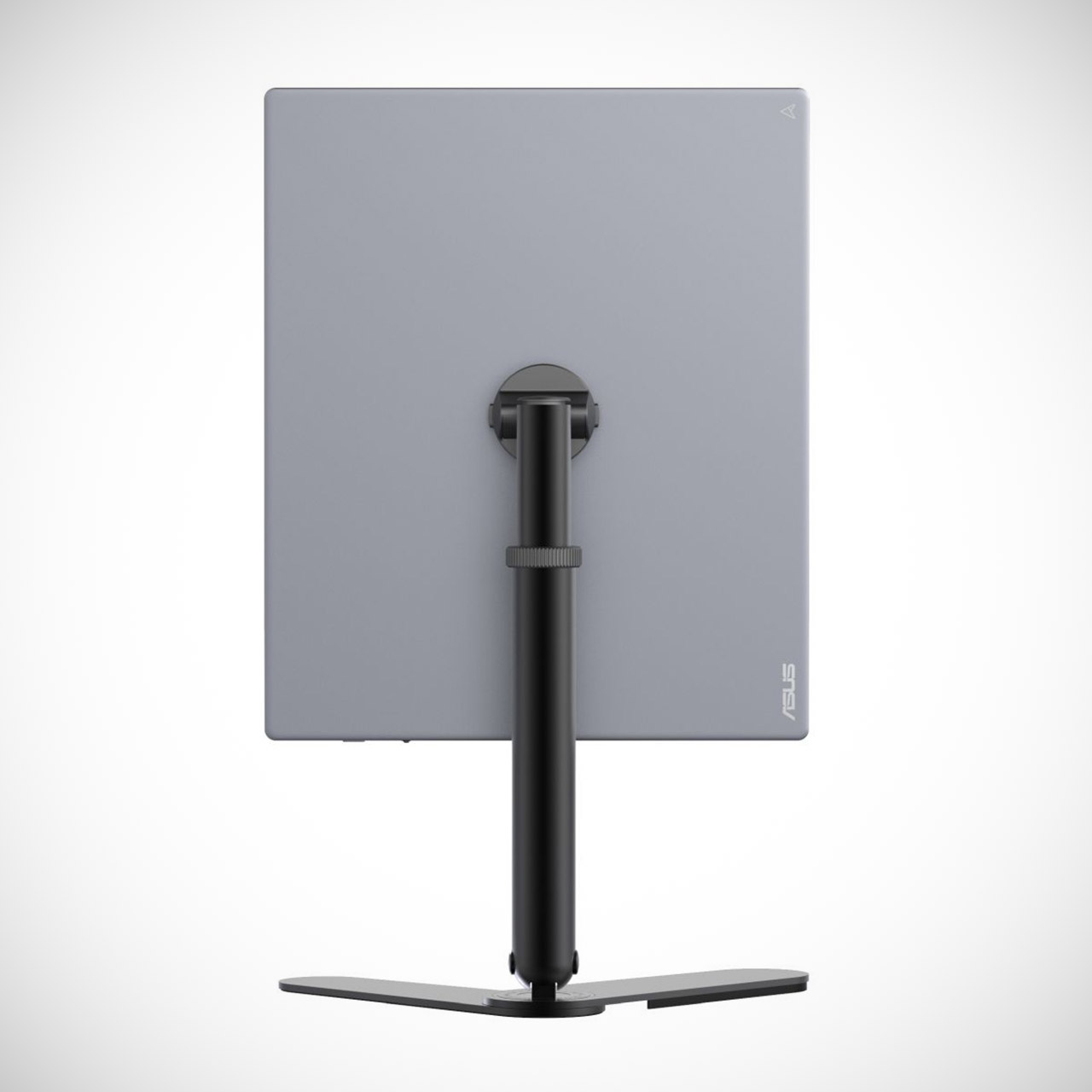
You can interact with the monitor by just tapping it, scrolling through papers, or taking quick notes with your finger. At the bottom, there are three ports: HDMI, Mini DisplayPort, and USB-C, making it easy to connect to a laptop or other device. In terms of safety, TÜV Rheinland has proven that it does not emit blue light or flicker, and the software allows you to modify the color temperature to match the lighting in the room. ASUS has also included some useful software called DisplayWidget Center, which includes not only auto-rotation (making it appear as if you’re using a genuine screen) but also some clever power management that works especially well with Windows 11 machines.
ASUS also includes a foldable stand known as the ZenScreen ATS01D, which allows you to adjust the height from 190 to 365 millimeters and tilts and pivots in all the right places, making it simple to switch between landscape and portrait modes. You may alternatively store it in a small carrying pouch or use a tripod. It also works with other VESA-compatible displays up to 16 inches and can support weights of up to 1.2 kilograms. Unfortunately, there is no pricing information, but it appears that the initial focus will be on distributing it in Europe.
[Source]
ASUS ZenScreen Color ePaper (MP13UC) Gives Portable Monitors a Paper-like Option that Actually Keeps up with Scrolling and Video
#ASUS #ZenScreen #Color #ePaper #MP13UC #Portable #Monitors #Paperlike #Option #Scrolling #Video