Nintendo 64 Now Runs Windows CE, Here’s How It Happened
Developer Throaty Mumbo spent months chasing an idea that started as a simple observation about shared hardware. An old IBM Workpad Z50 laptop relies on a MIPS processor much like the one inside every Nintendo 64. The laptop already ran Windows CE without trouble, so Mumbo wondered what would happen if the same operating system landed on the game console instead. The answer turned out far more complete than anyone expected.
Windows CE version 2.11 made its way onto the Nintendo 64 after a lot of meticulous tinkering, with no shortcuts taken. Mumbo spent a long time designing a board support package to meet the console’s specific requirements, including the MIPS R4300 CPU, memory layout, and visual interface. He began by using Microsoft’s official Platform Builder tools from the late 1990s, which they had at the time, before adding his own custom code to work around the console’s various oddities. No changes were made to the core Windows kernel. Everything else, including display output, controller input, sound playback, and file access, had to be handled by completely new drivers designed from the ground up.
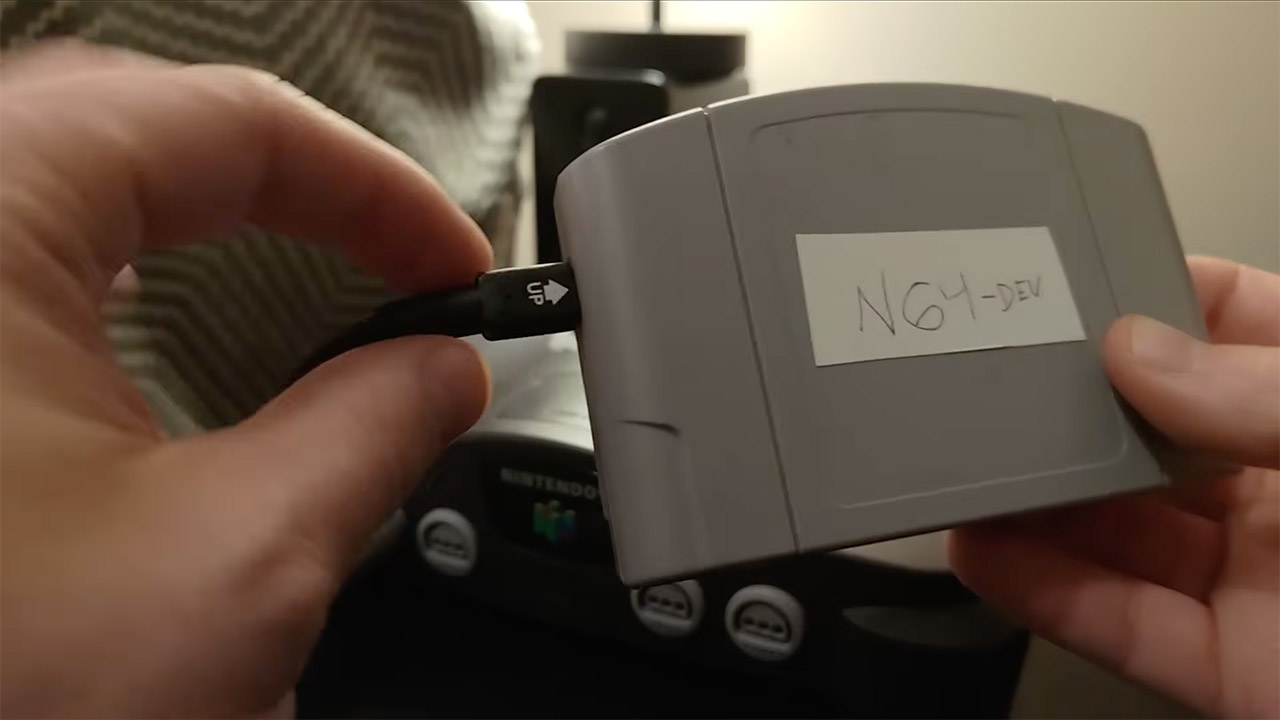
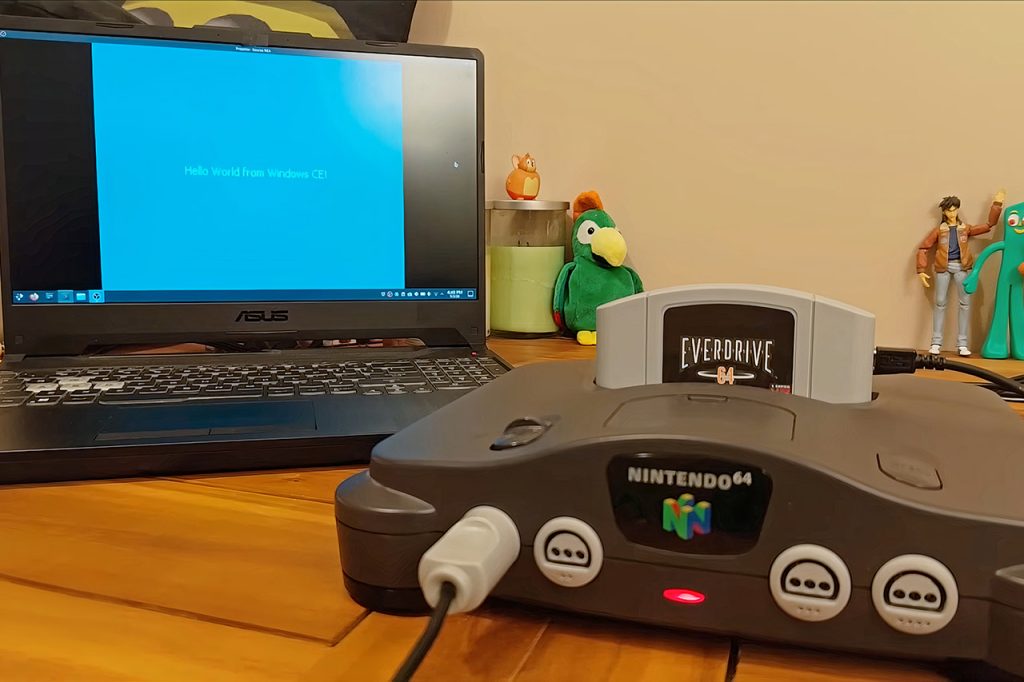
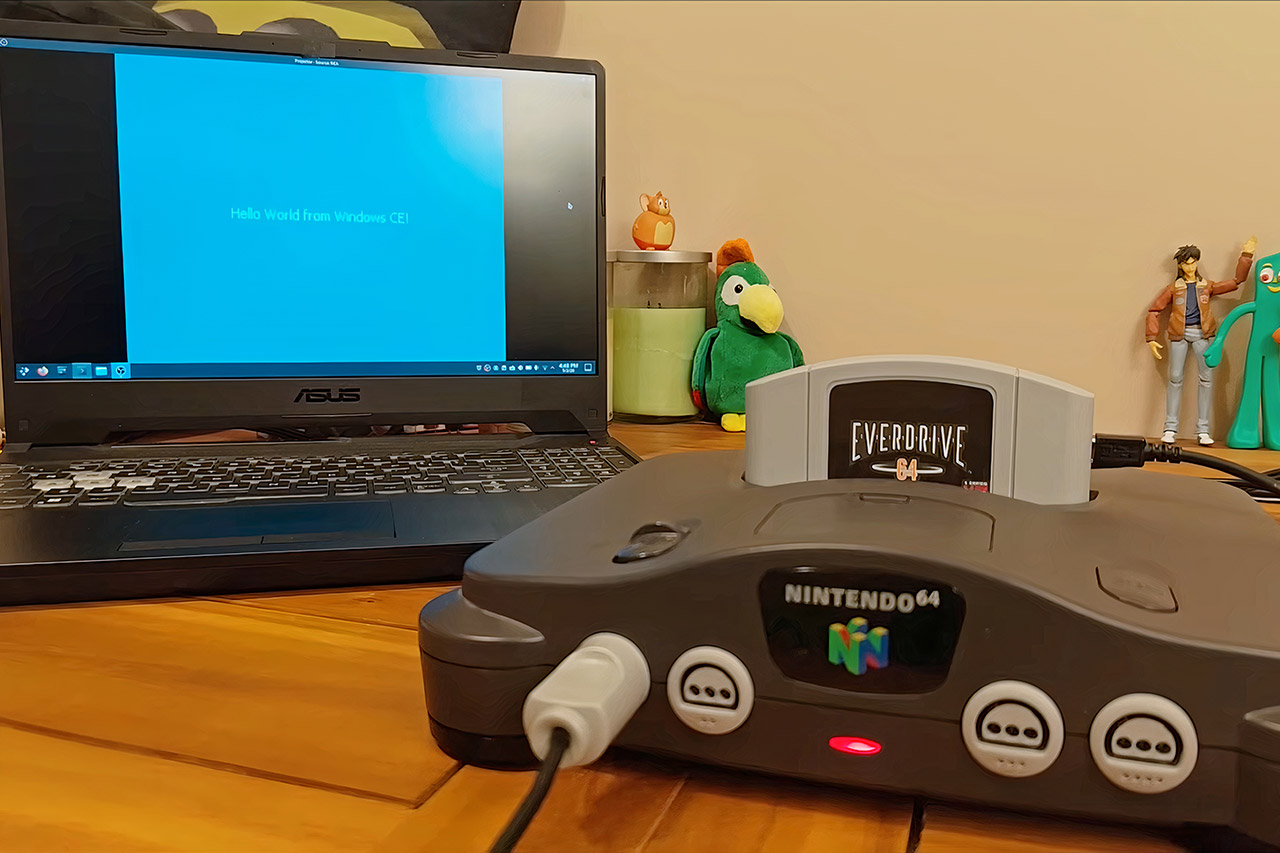
The key to making it all work is an EverDrive 64 X7 cartridge. This device loads an approximately 3.5MB ROM file called N64CE.Z64, which contains the entire operating system. When you start the console, a little bootloader runs and transfers control to the Windows kernel. The familiar desktop appears in a few of seconds. You receive the full package, including a taskbar, start menu, and recycle bin. The controller functions like a mouse, with the A button clicking the left mouse button and the B button clicking the right one. With the standard Nintendo 64 mouse, your pointer moves along fairly smoothly.
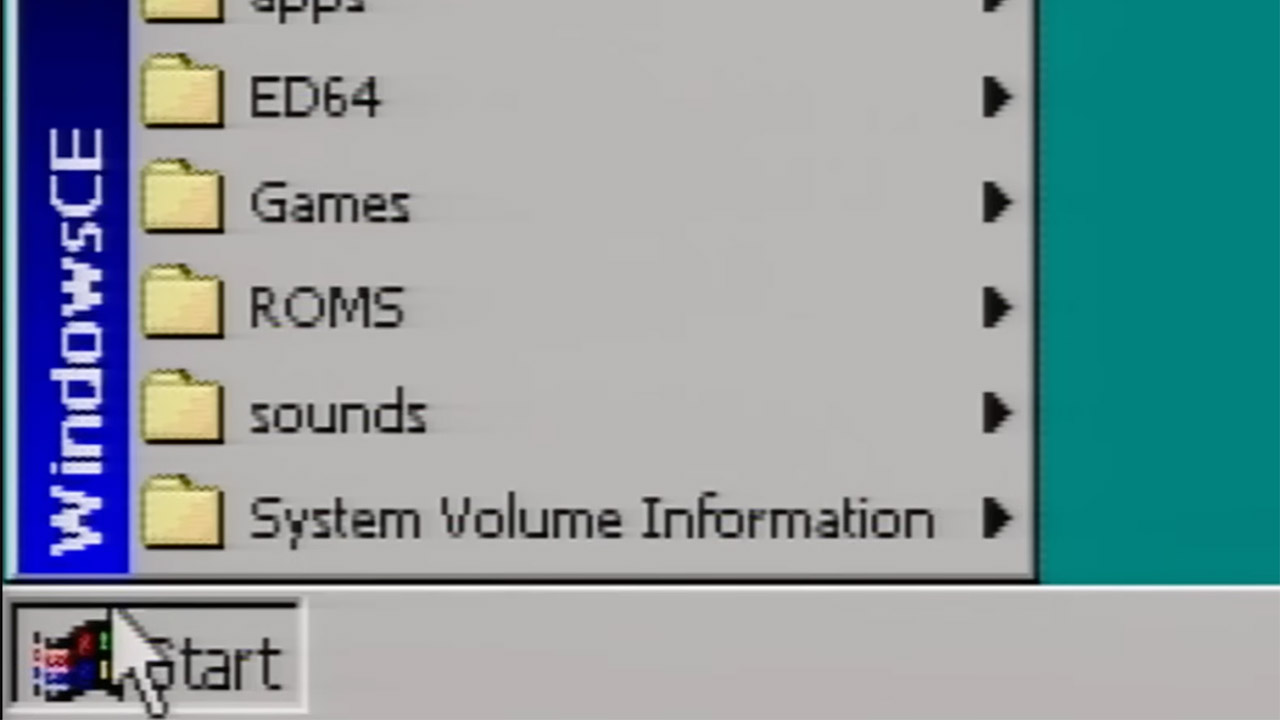
You can simply insert an SD card into the cartridge and it will boot up real programs. Notepad opens and accepts entered text, whereas Paint provides some basic drawing tools. There’s also a vector graphics tool called Béziers that functions exactly like it did on the original Workpad laptop, using the same executable file with no alterations. Cube3d.exe is a 3D demo that spins a cube and even makes use of the console’s graphics capability to speed things up. Meanwhile, a 97 port of Tetris boots up with minimal fuss. The audio works great on the console’s built-in sound system, and the clock is accurate because the cartridge features a battery-backed timer.
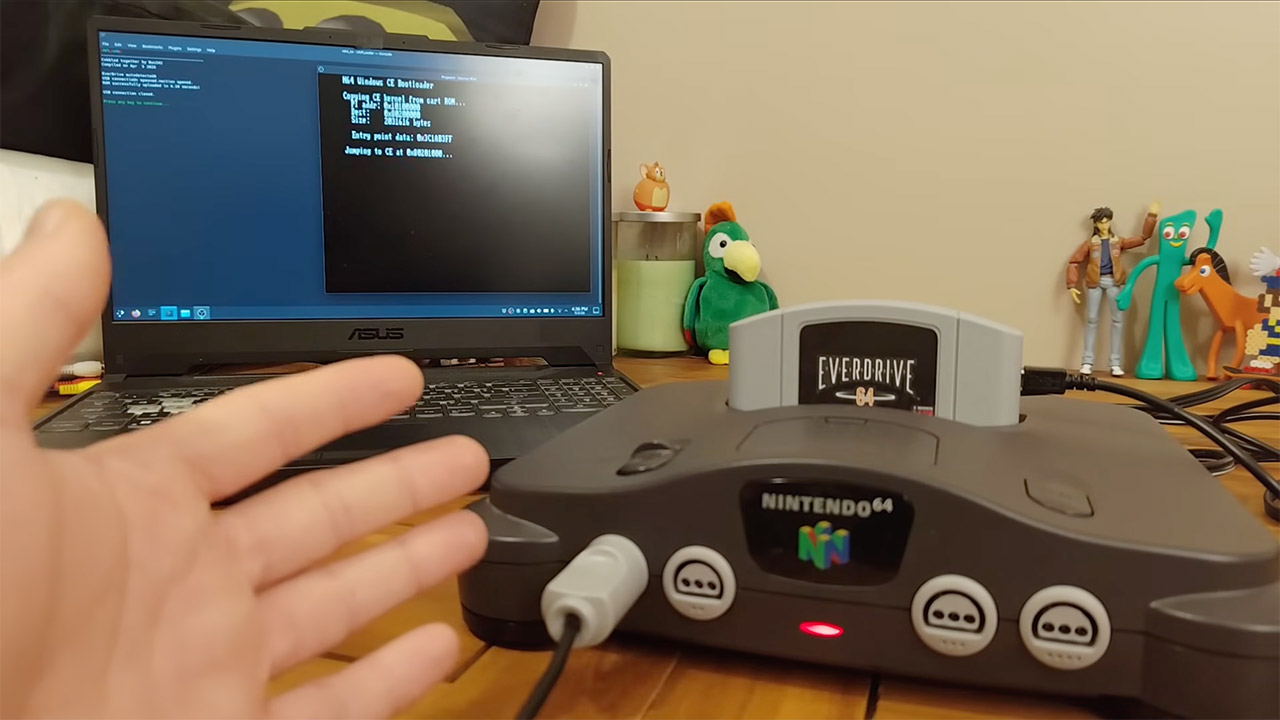
Mumbo spent a long time making this happen, and it was a true voyage of trial and error. Initially, he used emulators to test his basic boot procedures. Once he was on real hardware, he experienced numerous crashes, prompting him to create an automated reset system using a Teensy microcontroller so he could quickly upload new versions. The initial flash cartridge he used had closed source firmware, which made debugging a nightmare, but it all worked out when he switched to the open-source X7 model. Each small breakthrough revealed the next challenge, such as memory management, interrupt handling, and even the graphical windowing system, which draws all of the dialog boxes and overlapping windows.
[Source]
Nintendo 64 Now Runs Windows CE, Here’s How It Happened
#Nintendo #Runs #Windows #Heres #Happened