How Four Filaments Produce Every Shade in 3D Printing
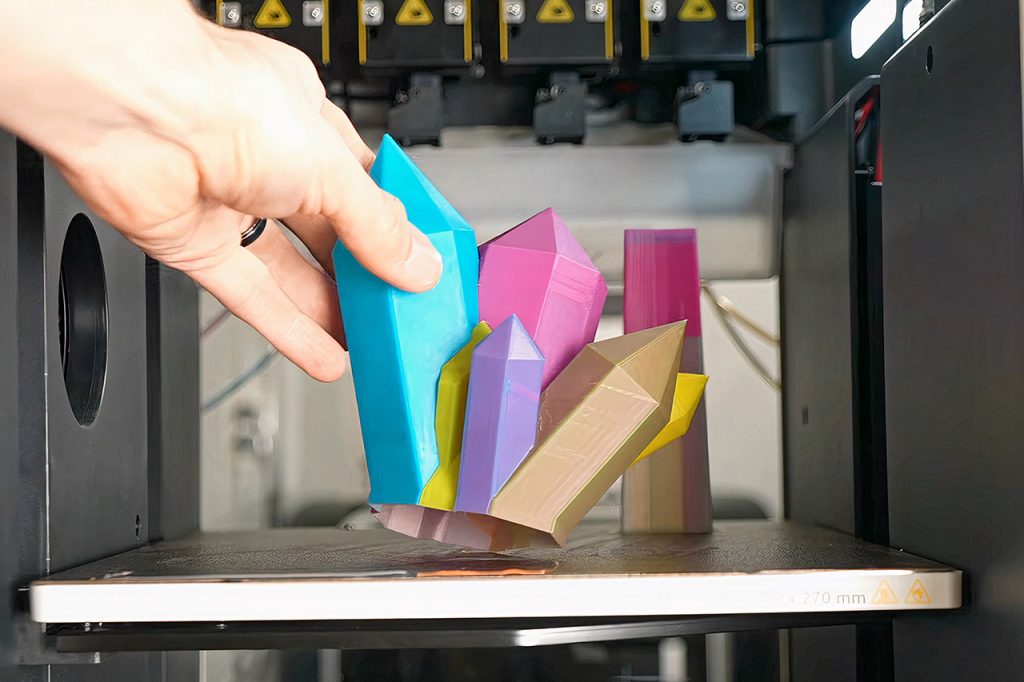
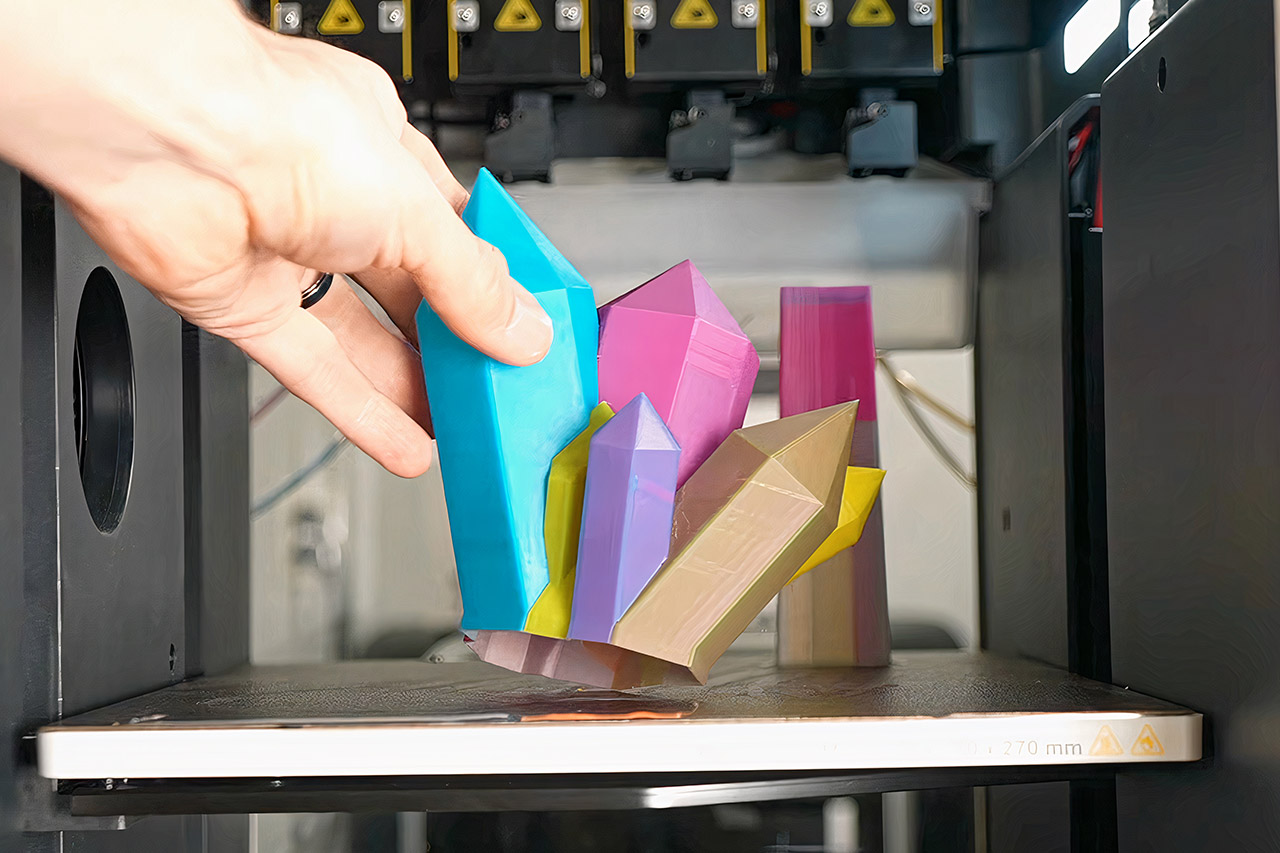
One developer modified a popular 3D slicing tool, allowing conventional 3D printers to spew out items in a variety of colors from just four spools. To do this, the software divides the item into extremely thin layers and then determines the exact pattern to mix and match these layers to achieve the required hue. Users select a color, and the software performs the rest, determining the optimal sequence and layer ratio to ensure the color is visible throughout the print.
The goal is to take flat color mixing techniques and make them into 3D objects by piling layers on top of each other rather than painting them side by side. You know how most other color systems on 3D printers require a separate spool for each color or require a large amount of extra kit, making them prohibitively expensive? This approach treats the four base filaments as if they were components that are blended directly inside the object, layer by layer.

Bambu Lab A1 3D Printer, Support Multi-Color 3D Printing, High Speed & Precision, Full-Auto Calibration…
- High-Speed Precision: Experience unparalleled speed and precision with the Bambu Lab A1 3D Printer. With an impressive acceleration of 10,000 mm/s…
- Multi-Color Printing with AMS lite: Unlock your creativity with vibrant and multi-colored 3D prints. The Bambu Lab A1 3D printers make multi-color…
- Full-Auto Calibration: Say goodbye to manual calibration hassles. The A1 3D printer takes care of all the calibration processes automatically…
The thinner the layers, the more diverse color combinations you can have, because from a typical viewing distance, the eye only views the colors as blended. We’ve seen various test prints that demonstrate how this works, including one that prints out a limited color pallet with 38 different hues all from only four spools. Another produces a complex cactus figure with extremely smooth tonal transitions throughout its surface.
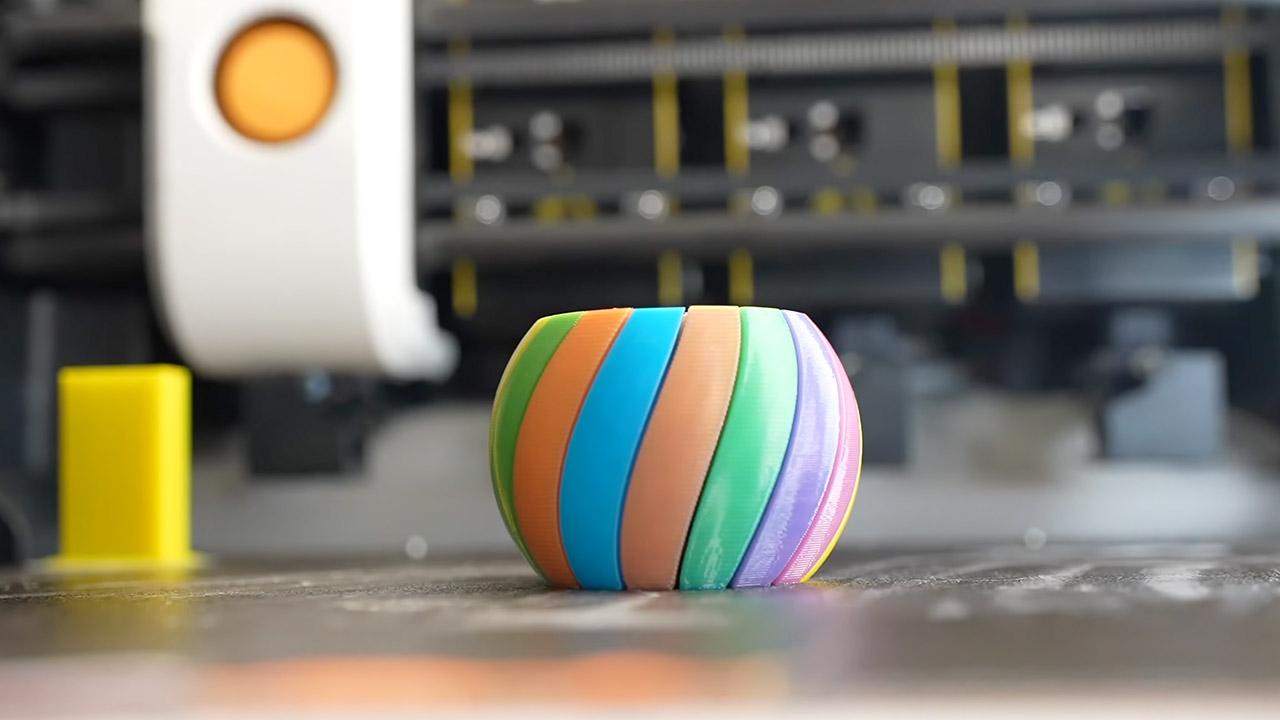
Translucent filament works especially well with this method because it allows light to penetrate between the layers, evenly mixing all of the colours. Opaque filament still works, but it makes the distinct layers stand out more, limiting the number of colors available before the effect fades.
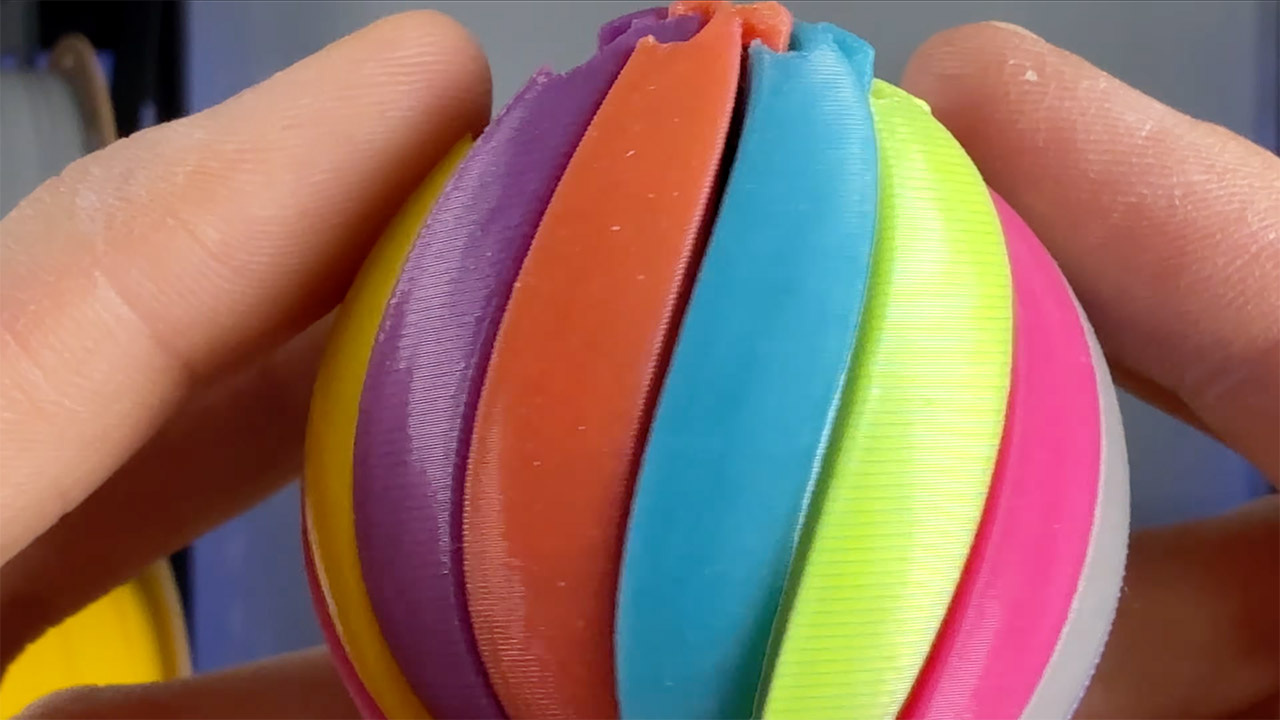
The good news is that this method works on almost any printer, including those with only one nozzle, but it may take a little longer to switch between colors and wipe off the old color first. If you have a printer with a tool changer that can quickly switch between spools, you can complete the identical task in no time and without wasting any extra material. The idea is to experiment with layer height; if you get it down to around 0.08 millimeters, you can obtain up to 39 different colors, whereas wider layers will only give you a few more shades.
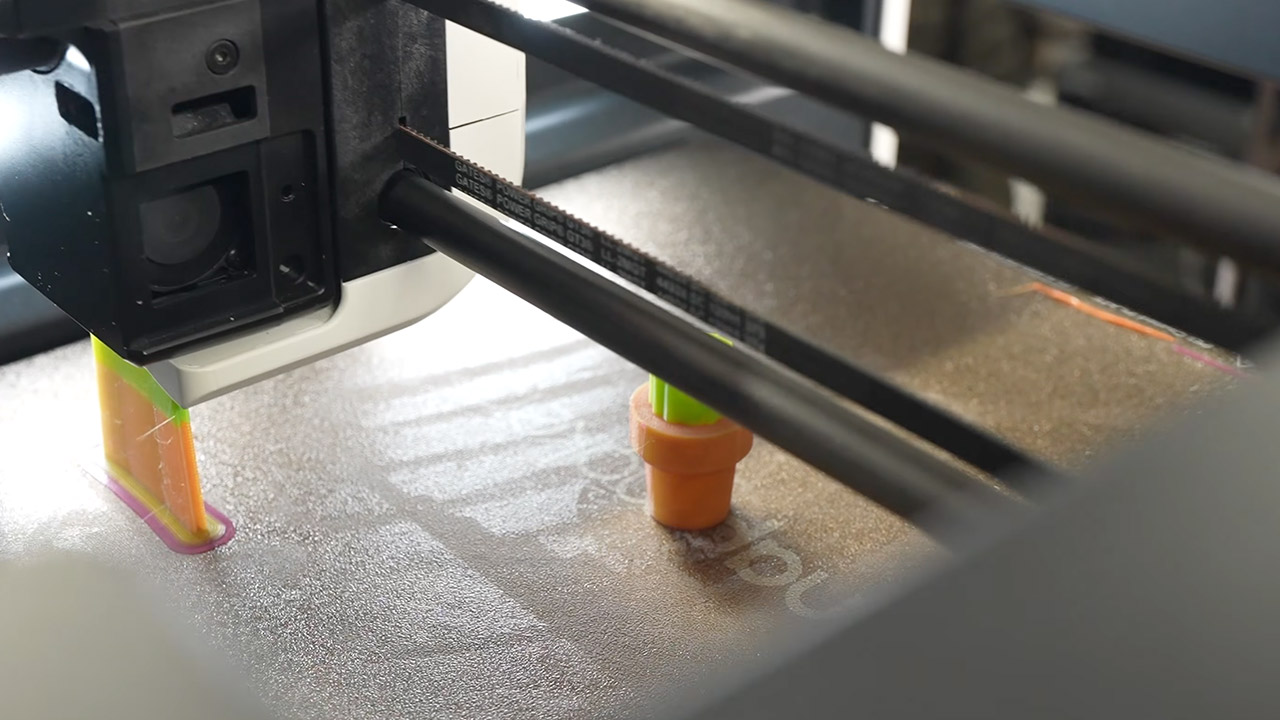
There is one catch: if you print on a flat surface, particularly the top and bottom, the colors may not blend as easily as they do on steeper slopes. However, and this is a significant one, an upcoming update will include a function that allows the colors to merge properly on those flat surfaces. Later on, we intend to be able to accept direct color codes, giving you even more control over the exact shade of what hue you get.
[Source]
How Four Filaments Produce Every Shade in 3D Printing
#Filaments #Produce #Shade #Printing