Etchbot Makes an Etch-a-Sketch Draw Portraits in About a Minute and Play Videos Frame by Frame
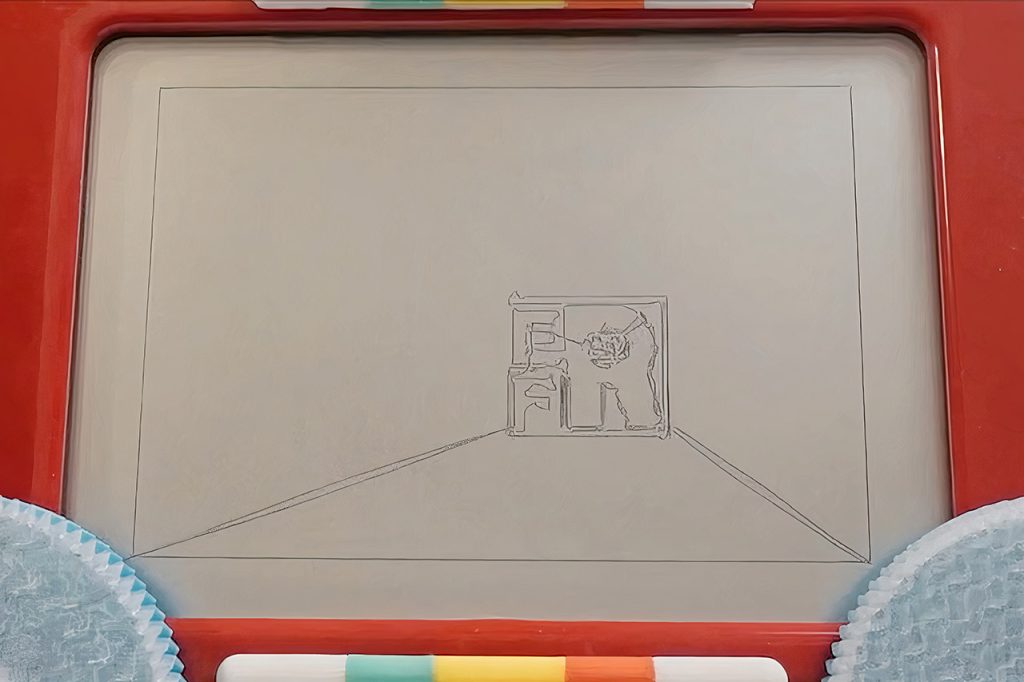
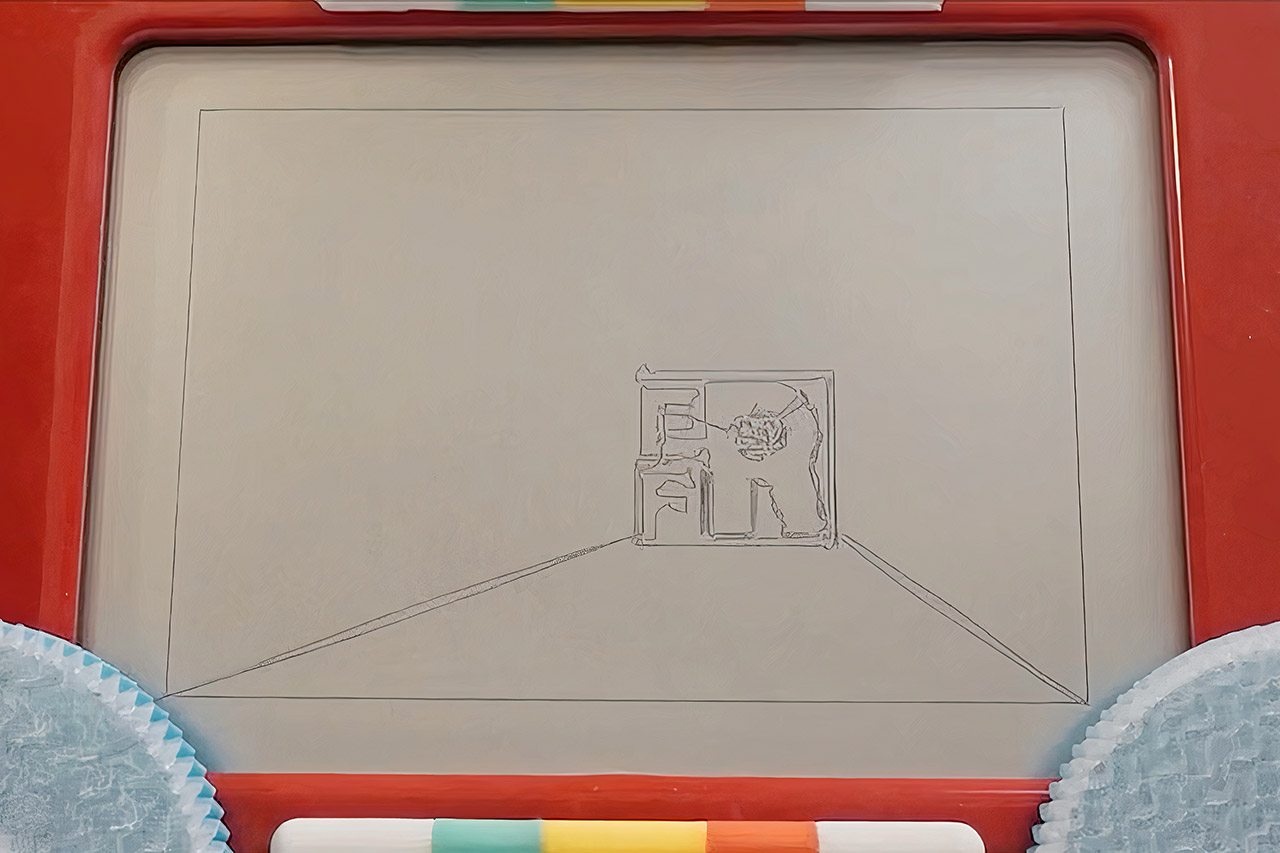
Every Flavor of Robot built Etchbot to stand out at the OpenSauce event. The machine sketches a complete portrait on a regular Etch-a-Sketch in roughly sixty seconds. It also accepts video files and renders them by sketching one frame after another while a camera records each result. The finished time-lapse clips show the classic toy screen updating rapidly enough to convey motion.
The builders started with the basic challenge of any Etch-a-Sketch robot. Two knobs move a stylus that never lifts from the drawing surface. Mechanical play, called backlash, appears whenever a knob changes direction. Friction and slight slippage add more error at higher speeds. Earlier machines handled these problems by moving slowly and carefully.
Sale

TCL NXTPAPER 11 Plus Android Tablet, 11.5″ 120Hz 2.2K Drawing Pad & Digital Notebook, 4096-Level Stylus…
- Tablet, Drawing Pad, and Digital Notebook — All in One: Designed for artists, students, professionals, and entertainment users, the TCL NXTPAPER…
- NXTPAPER 4.0 Display for Enhanced Eye Comfort: With upgraded NXTPAPER 4.0 technology, this tablet offers a more natural, paper-like viewing…
- AI-Powered Productivity & Communication: The TCL NXTPAPER 11 Plus note taking tablet integrates smart tools like voice memo, real-time bilingual…
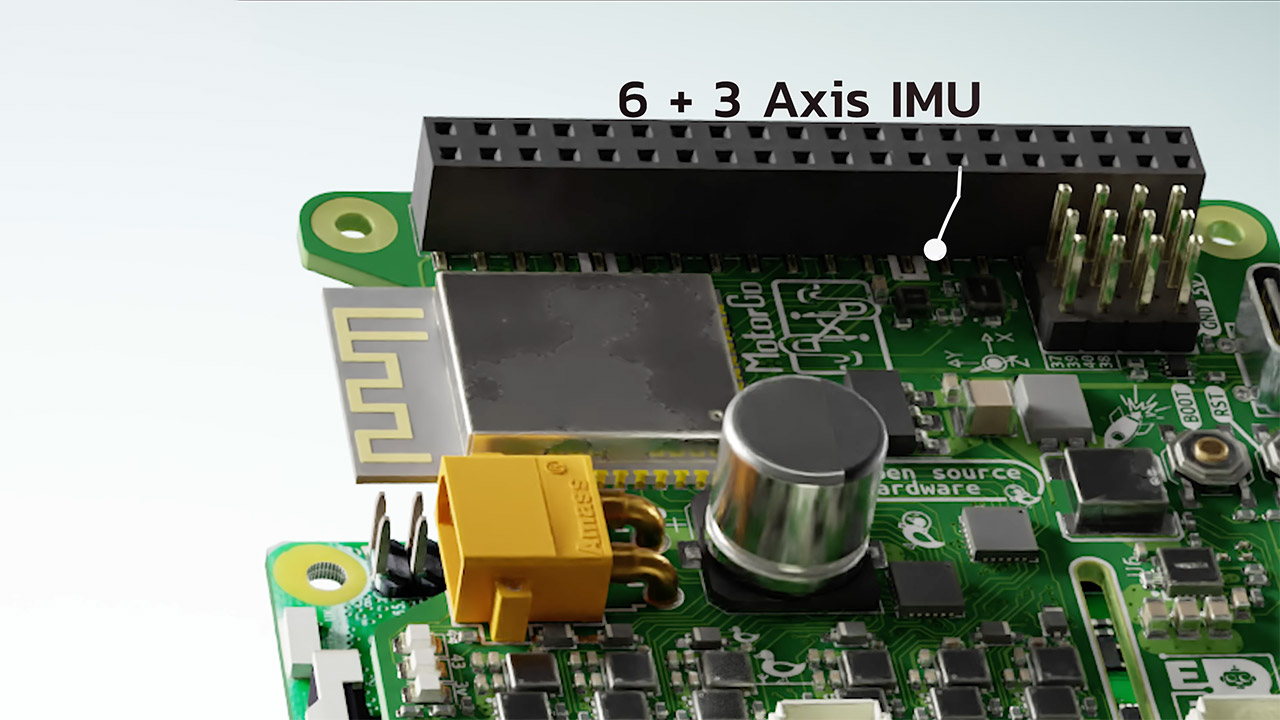
However, Etchbot adopted a different approach because it has a lot more muscle and is smarter than the older machines. The team designed a custom motherboard dubbed MotorGo AXIS, which includes two brushless motor drivers as well as an ESP32 microprocessor and simply slides on top of a Raspberry Pi. They chose Gartt drone motors because of their power and ease of use. Each motor was outfitted with a tiny magnet attached to the rotor as well as an encoder board to provide critical real-time feedback. With the MotorGo program conducting the calibration, the brushless motors were quickly turned into trustworthy servos.
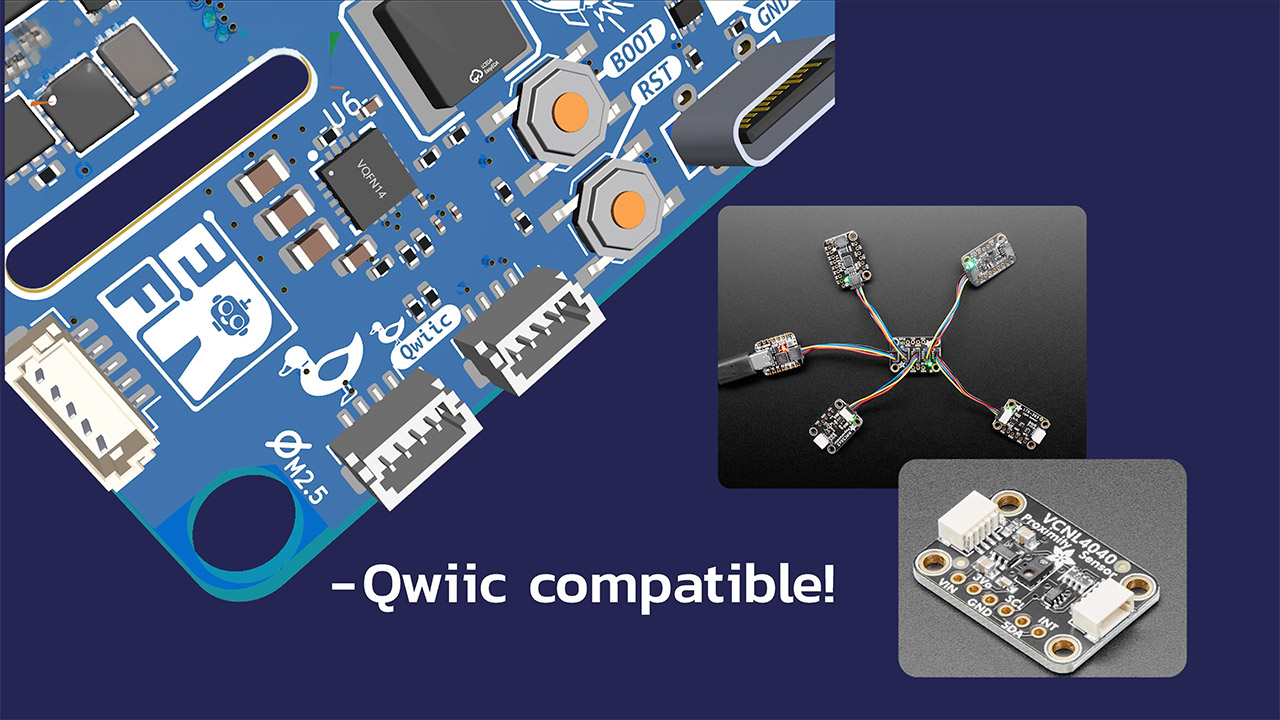
These servos just slide into the Etch-a-Sketch knobs, and the Raspberry Pi handles the picture and video preparation. It’s all made simple using a web interface that allows anyone to upload a file. The system then reduces the supplied data to the appropriate size for the toy’s screen, removes any background, converts the output to clean line work, and generates motion commands in GCODE format. There are some further stages that clean up any stray points and determine the most efficient route between various lines so that the stylus does not waste hours retracing the same empty region.
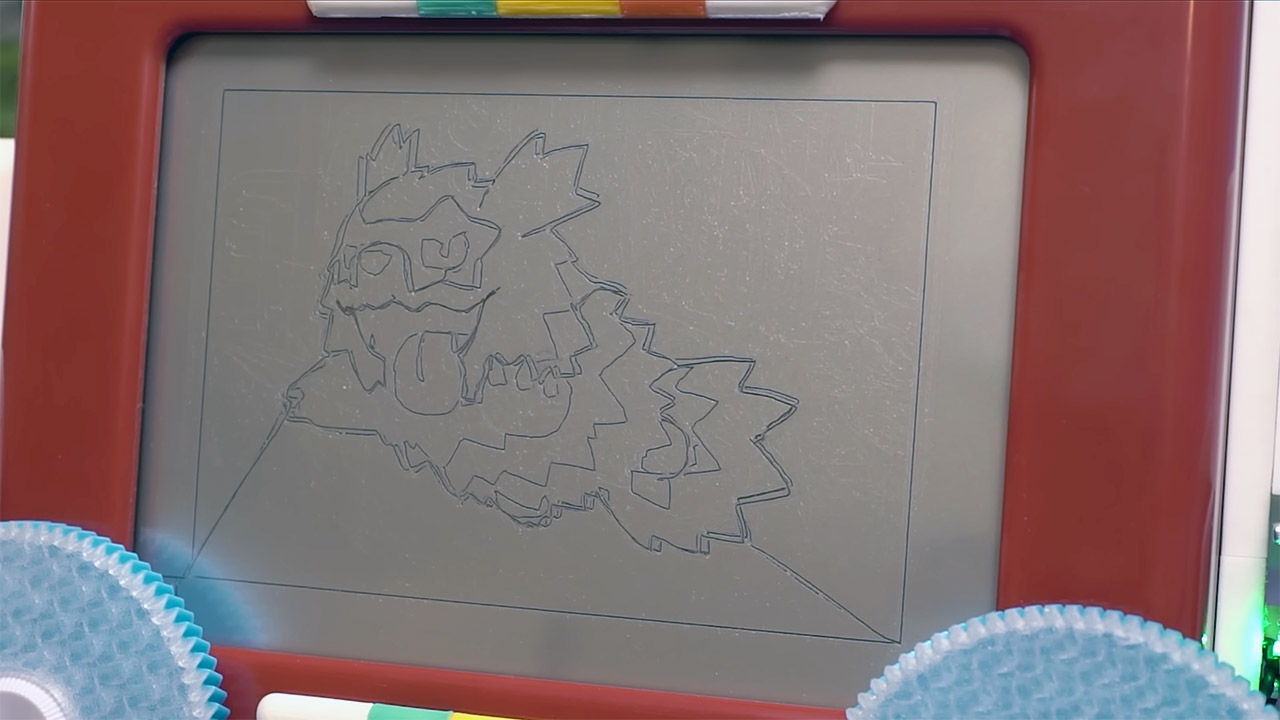
The GCODE is then delivered over WiFi to the MotorGo board, where it is translated into motor movement by a motion controller, but it also includes an extra bit of logic that corrects for backlash whenever the direction changes. To keep things pleasant and stable, acceleration restrictions are set so that the internal mechanism does not receive any abrupt jolts. Between each drawing, the algorithm simply returns the pen to a known safe location, ensuring that any subsequent sketches remain fully visible. The video mode just repeats the same process, one frame at a time, which is essentially the same as sketching a single picture but for dozens or hundreds of images. The camera captures each final frame, which is then stitched together to generate a video clip.
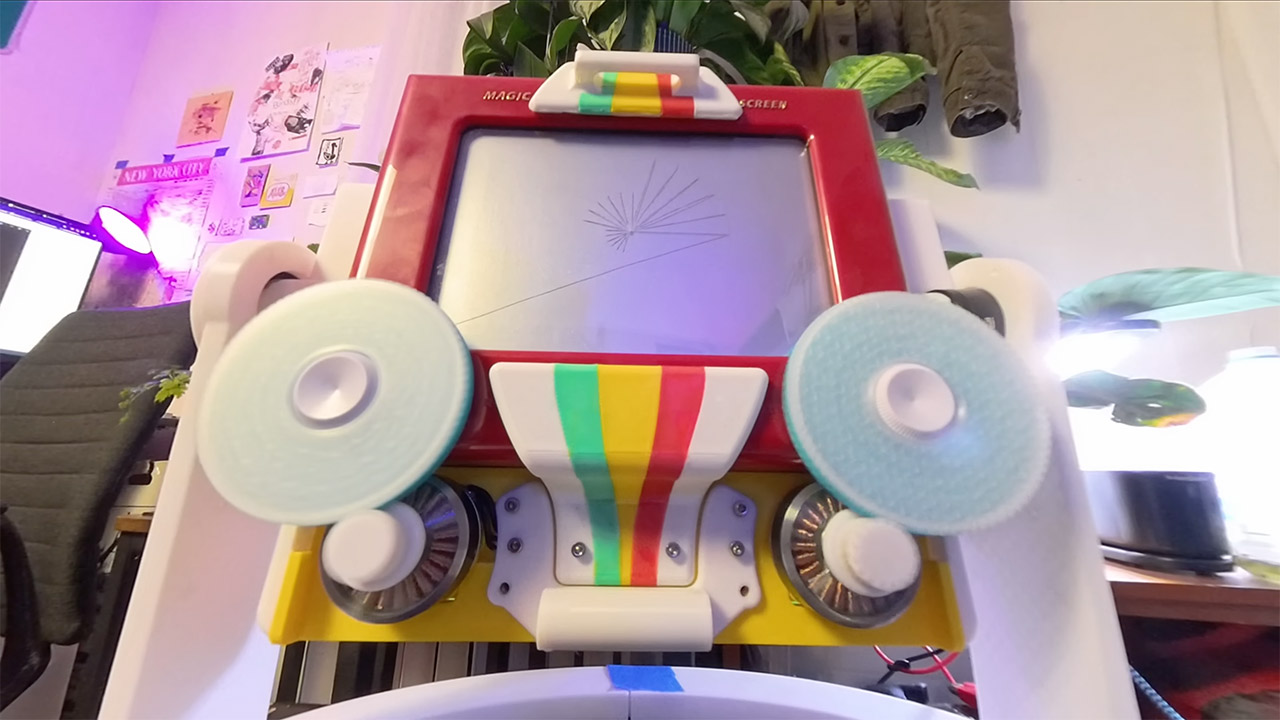
Speed is all about the mix of powerful servos and tailored compensation, rather than any single magic component that makes it all work. Portraits that took minutes to complete now take only one minute. The video side works in the same way, with the hardware keeping up with video frames because each drawing is completed before the next one begins, and to keep the surface looking decent, an eraser function or screen clear step is added between each frame. The entire project is open source, with all of the driver code, server backend, web interface, and MotorGo board design files available on GitHub. In addition to the custom board design files, everyone has access to the printed parts and assembly notes.
[Source]
Etchbot Makes an Etch-a-Sketch Draw Portraits in About a Minute and Play Videos Frame by Frame
#Etchbot #EtchaSketch #Draw #Portraits #Minute #Play #Videos #Frame #Frame